I got really inspired when I saw a picture of astronaut Bruce McCandless II floating in space untethered (seen in my One-of-a-kind Experiences cards). The photo is old, but it was making the rounds on Twitter recently. I stumbled upon some NASA photos on Unsplash while learning about Bootstrap, and that same photo was included. I decided then I wanted to make my website about space, but I wasn’t sure how to approach it yet. Later, I was doing the Google DevTools walkthrough. I’ve been using Inspect for years for sizing and to learn font names but had no idea how important those tools actually are. During the walkthrough, I was asked to highlight and inspect the text “The Stars My Destination.” And the idea for my space travel agency website was born. Looking back, I don’t believe I would have been able to do this project successfully without utilizing Inspect.
Panel One
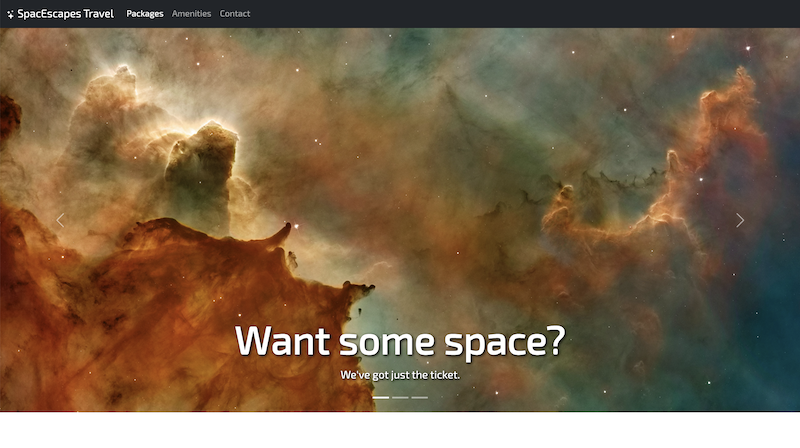
Panel One was by far the most difficult part of this project for me. I was honestly worried at one point Friday night that I wouldn’t get the rest of the project done because of it, but with a little less sleep than I would have liked and a lot of trial and error (using the DevTools), I finally made it work. Phew! It’s funny because it went through so many iterations, and my custom styles were kind of a mess until I started to see how easy Bootstrap makes it to adjust small things like the color of a button or size of a header just using the class shorthand for it. I ended up deleting a bunch of stuff from my CSS file because I didn’t need it! Panel One
Panel Two
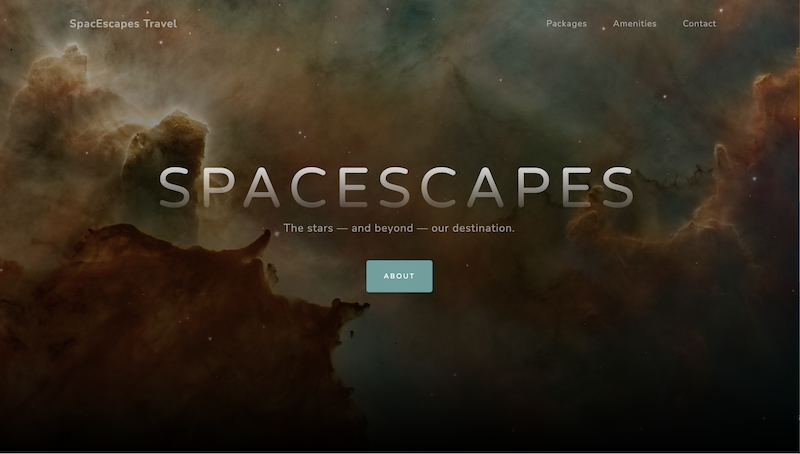
Panel Two was straightforward and easy. I chose my template because I saw almost immediately how my existing content could fit into it, and the general vibe matched what I was going for. It seemed well-supported and organized. I did not have to adjust much at all with the html to get it to work for me for this part. It was tempting to begin fixing things to make them look how I wanted as I went along, but I didn’t touch the CSS. As with Project One, my required links (in this case to each panel) are in my footer. Since the template didn’t have these originally, I had to get a little creative and switched out the social icons to be numbers to indicate each panel and link to them. Panel Two
Panel Three
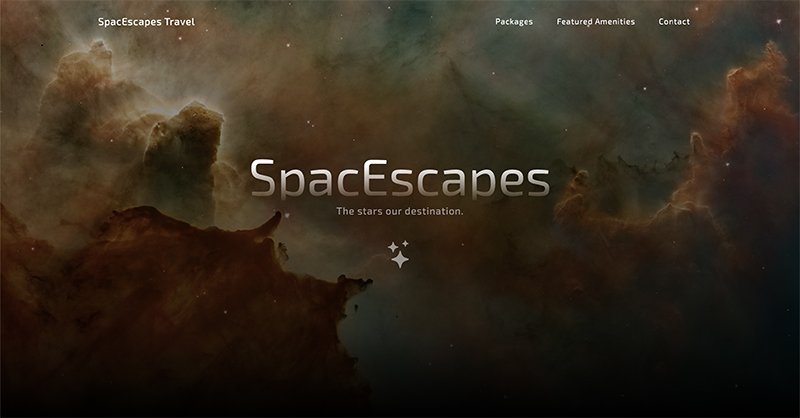
Panel Three brought a lot less frustration than I anticipated originally based on how tricky Panel One was for me to get right at first. I see now that all the practice I got with modifying and getting the stock Bootstrap components to work prepared me for the rest. Panel One struggles made it much easier to adjust the template to my liking for Panel Three. Though I liked the original template as it was, I wanted to change the font and accent colors, adjust my H1, add the full contact form, tighten up and optimize some of the spacing, and make sure the images worked with the overall structure of the page. A good bit of what I did was in CSS, obviously, and some of it is very subtle. Like padding on buttons, hover effects, etc. Panel Three