NMIX 6020: Advanced Web Development
After taking Intro to Web Development over the summer, I was anxious to put my newly acquired skills to the test. However, I was unsure how I would fare attempting anything beyond HTML and CSS. On the one hand, I am highly motivated as a rule. On the other, my brain melts down just about anytime math makes an appearance. I am a natural at the spatial stuff. Everything else, even down to calculating a tip: Get me out of there. It’s not that I can’t do it; it’s like my whole body rejects the idea of doing it. Not surprisingly, nothing made any sense when we first started JavaScript, even though there really isn’t THAT much math involved (it's still too much, but oh well). What got me at first is JavaScript kind of reminded me of Photoshop in that there are a good 30 different ways to accomplish the same thing. So then how am I supposed to know the right way, the best way? Does it matter? My belief in my abilities to push beyond the math was shaky in the beginning. But with every exercise we did, I gained confidence, and that’s where a good bit of the value in all these classes lies for me. I used to think I could do anything. And then I grew up. But maybe younger me was right...
I had lots of “aha!” moments during the class. When you’ve struggled off and on for days to make a tiny part of something work, an aha! moment is nothing short of exhilarating. I imagine it’s how a football player feels after scoring a touchdown in front of a huge crowd. In my case, the crowd is just my dogs and my partner, who usually says something like, “That’s so awesome, baby. You should be proud of yourself. It’s 2 a.m. Let’s go to bed.” But on the inside, I am feeling like I just discovered a new species of animal or something; I am wide awake. Turns out that feeling lasts beyond the moment, and it carries you into the next challenge, where you’ll soon be snapped back into reality and back on the struggle bus again. I guess I kind of like that struggle, though. I definitely enjoyed this class.
I can say without a doubt that 24-year-old me never pictured 42-year-old me making anything web-related. In 2004, I was serious about journalism and not much else. The internet almost immediately began cramping my style in that arena, and for that reason, I had a bit of an attitude about it for a while. Over time, of course, I dropped the attitude and joined the rest of the world online, and I now design websites. For the past few years, I had attempted to learn more about how websites work, but my progress with that had been somewhat … glacial. When I heard about the EMO program, I thought it sounded like a great way to speed things up.
Speed things up it has. Just look at me now! I have included a few examples of my progress below.
Jamboree Jukebox
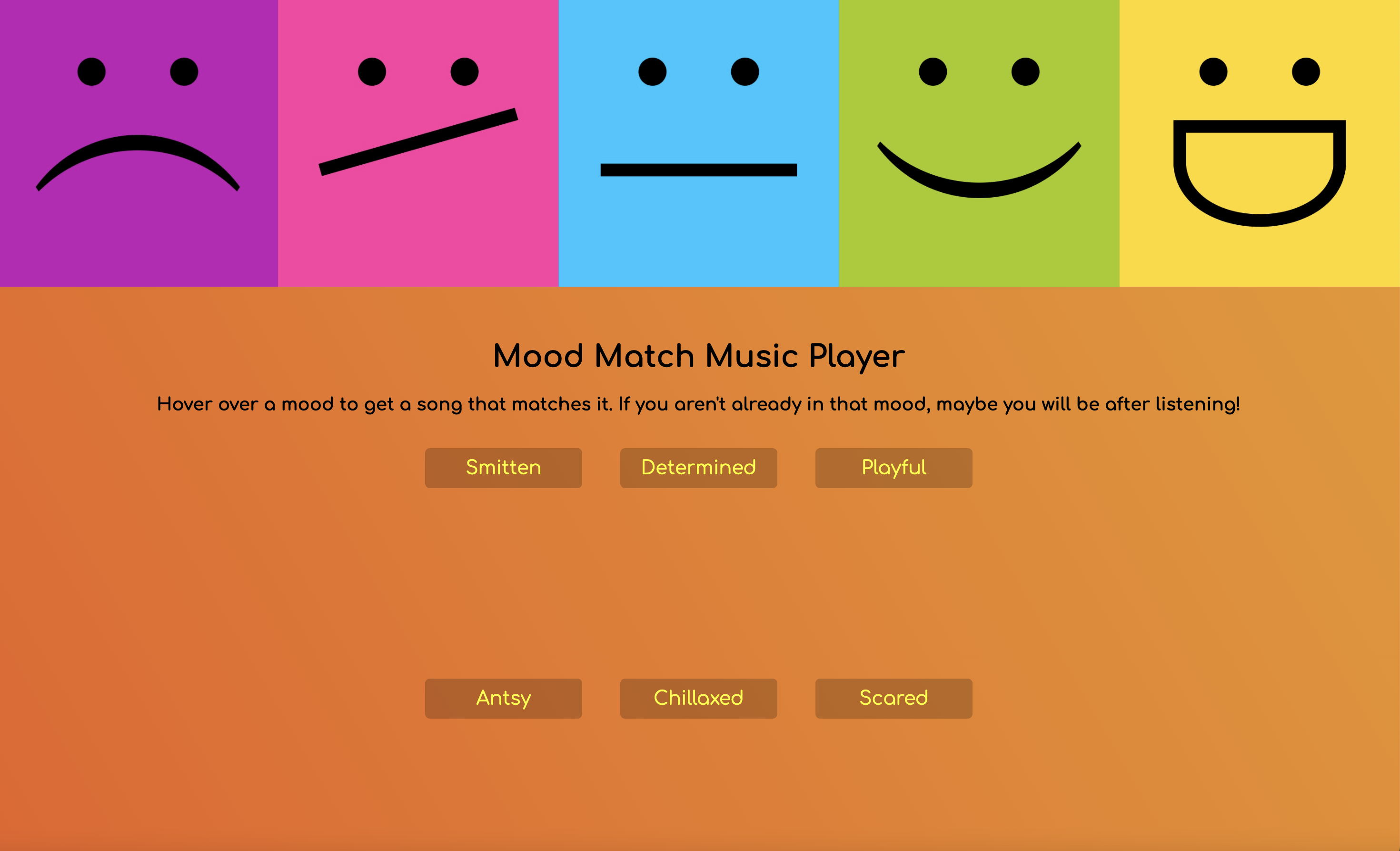
Our Jamboree Jukebox website had to play sounds or involve music somehow, and we were advised to use lots of JavaScript to achieve this. We were also encouraged to have fun. Beyond that, our imaginations were pretty much the only limitations on what we could do. With that, I wasn't at all sure where I wanted to go with mine at first. I regularly make Spotify playlists for myself. That’s not particularly new or exciting. (And I can definitely stress myself out trying to make the "perfect" playlist!) As time ticked away, I looked at dozens of music player tutorials. I just wasn’t feeling inspired by anything.
I learned at some point in life not to panic when ideas are elusive. Forcing the process doesn't work well for me. I now feel OK starting something and leaving it alone for a couple of days if I am not making any headway. I also tend to overperform on short deadlines thanks to a decade of working at a daily newspaper. I decided to start collecting the music clips for this not-yet-defined jukebox and just wait it out. As I gathered the music files, I noticed that each song I was considering had a different vibe to it, and just like that, my idea for a Mood Match Music Player was born.
I ended up building and styling the rest of the page around the concept of moving easily through these different moods and songs, with a vibrant header and color-changing background to bring it all together. I am happy with the end result, even if it is quite simple. The player is still highly extensible (e.g., more moods and many more songs per mood). In fact, I even started a second version of it before life and finals intervened. I hope to revisit this one at some point.
My Jamboree Jukebox
Cat Components
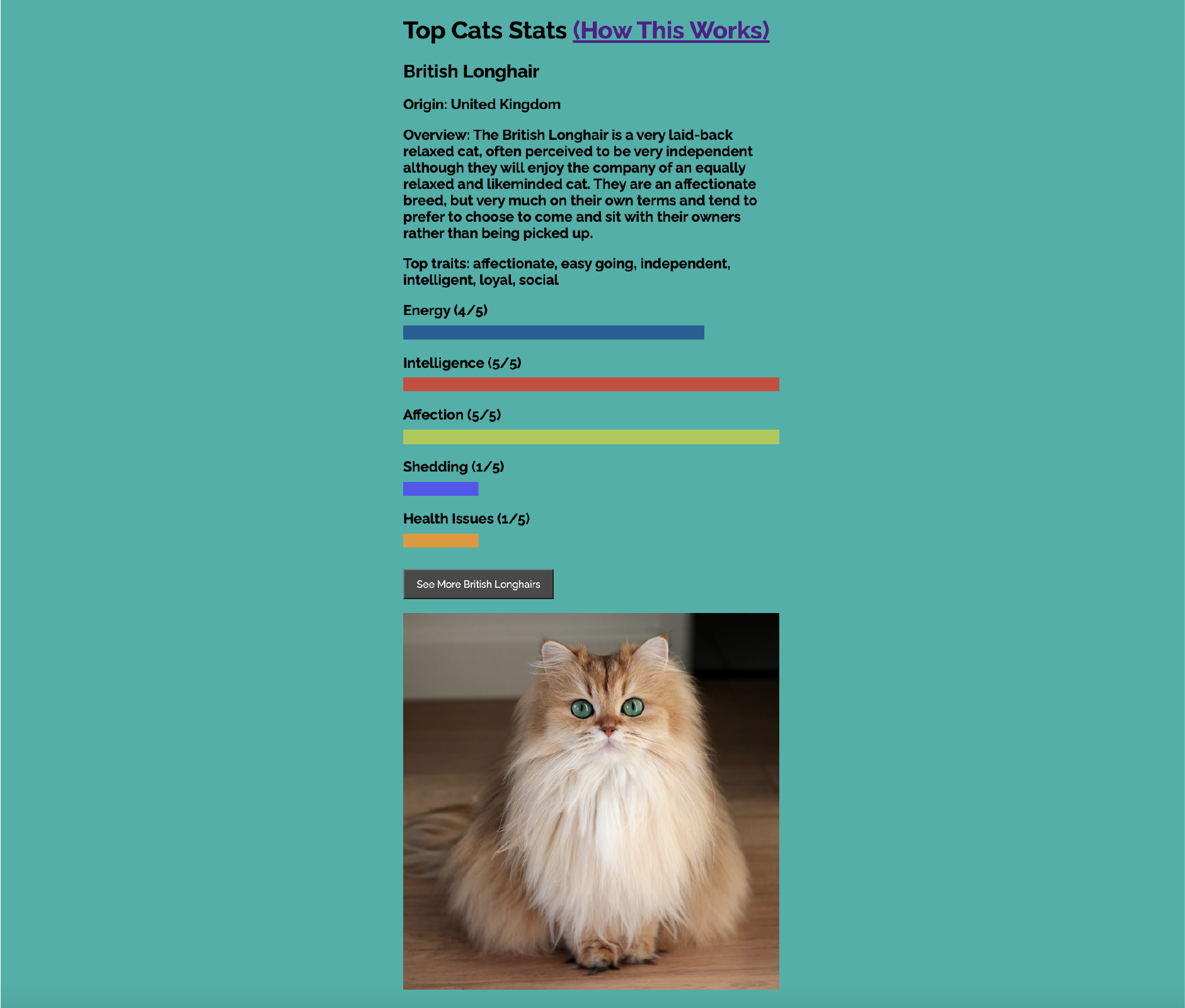
For this assignment, we used a JavaScript framework called Vue. I admit I was a little put off by Vue at first because I didn’t get it right away, especially the components aspect of it. I had just begun feeling slightly comfortable with JavaScript, and here was this new thing being added to the mix. Luckily, we were given several small but useful exercises and assignments leading up to the Cat Components project that really eased us into Vue. I referred back to those assignments again and again as I was trying to work through the challenging parts of Cat Components, and Vue started to make a lot of sense. By the end of it, I was pretty sold on Vue. I like how versatile and serviceable it is. I especially like how well it works with data from an API. It somehow makes JS feel slightly easier and more approachable. I’ve already started mapping out ways to implement Vue in future projects at work, and I am sure I will be using it again in for something in the EM program.
My Cat Components
Final Project
Our final project required us to utilize the skills and knowledge we’d acquired throughout the semester and then push ourselves just a little beyond that. As the site itself mentions, my project was actually inspired by a 9-year-old: my son. One of my motivations for getting my master’s degree is setting a positive example for him, so when he decided I could make him his own version of NitroType, I was all-in for it. I did everything I could to make this thing look awesome because I knew the functionality of it would be a challenge, and the target audience was going to be brutally honest. I quickly mocked up a logo and color palette and set off to figure out how to make it work.
While we touched on some of the functionality behind it during the course, there was still a steep learning curve for me with the speed typing game I created. The typing test part of it is not too difficult to understand, and my version of that part was first structured around a solid tutorial by Hackclub, which explained what each section of the JavaScript did. The real challenge for me was figuring out how to get the racecars to work in conjunction with the typing test. I kept having to modify the typing test, and then there would be long periods where nothing I tried worked. I am not sure how I ended up pulling it off. I definitely did lots of reading and testing and … frankensteining. In the end, I do feel like I produced something I can be proud of. My target audience also seems to love it. He’s already played with it quite a bit and is determined to beat my high score. He's got his work cut out for him, though. I played many, many typing games in the process of making this one and have already improved my speed by about 10 words per minute so far! ** Please note, the race mechanics are heavily weighted in my 9-year-old's favor. The other cars are intentionally slow. The sample text is also short and easy and does not change each race, per his request. Luckily, I know how to adjust everything to be more realistic and challenging once he improves his speed with more practice. Anyone can still use it to test typing speed and accuracy.
My Final Project
